We provide comprehensive pre-sales and after-sales service.
Free Shipping
Redtiger offers free shipping on orders totaling €50 or more. We recommend purchasing shipping protection to safeguard your package and money.
30 Day Money Back
Redtiger offers a 30-day money-back guarantee. You may contact us for a no-questions-asked return within 30 days of receiving your order.
2 Years Warranty
Ordering a dashcam through the Redtiger official website entitles you to an additional 6-month extended warranty. This brings the total warranty period to 30 months.
24/7 Customer Service
Redtiger provides 24/7 customer service. You can contact us via email or call our customer service hotline directly.
Worry-Free Shopping
No need to worry about after-sales service—we provide comprehensive after-sales support.
Free Shipping
We offer free shipping on qualifying orders with no hidden fees or surprise charges.
Most orders are processed within 1–2 business days and shipped through trusted carriers to ensure safe and timely delivery.
You’ll receive tracking details as soon as your order ships, so you can follow it every step of the way.
From checkout to delivery, we make the process simple and worry-free.
We use industry-standard encryption and trusted payment providers to protect every transaction.
Your personal and payment information is securely processed and never stored or shared without authorization.
Multiple secure payment options are available for your convenience, so you can complete your purchase with total confidence.
Fast Customer Support
Have a question? We’re here to help.
Our dedicated customer support team responds quickly and provides clear, helpful solutions — whether it’s product guidance, order updates, or after-sales support.
We’re committed to delivering a smooth experience before and after your purchase.
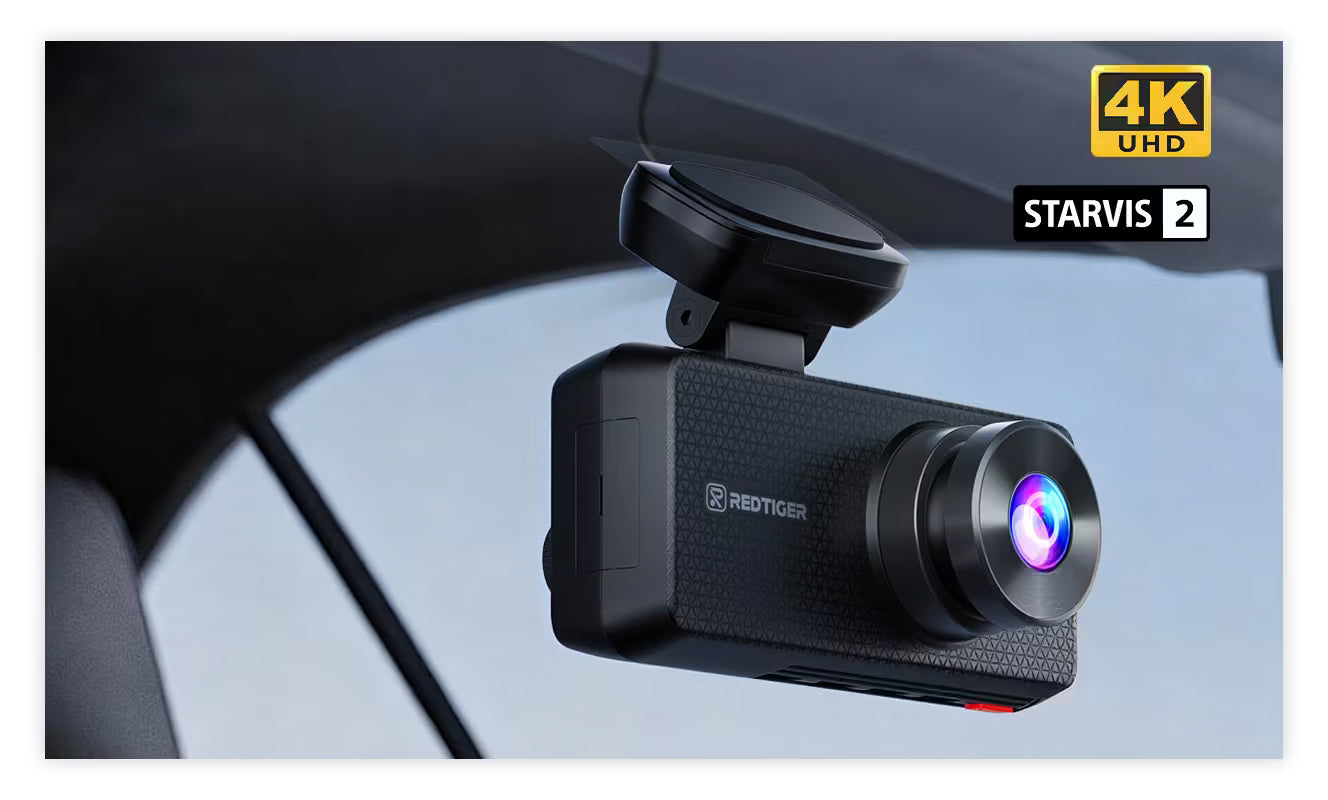
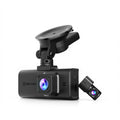
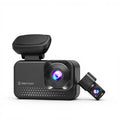
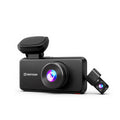
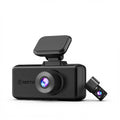
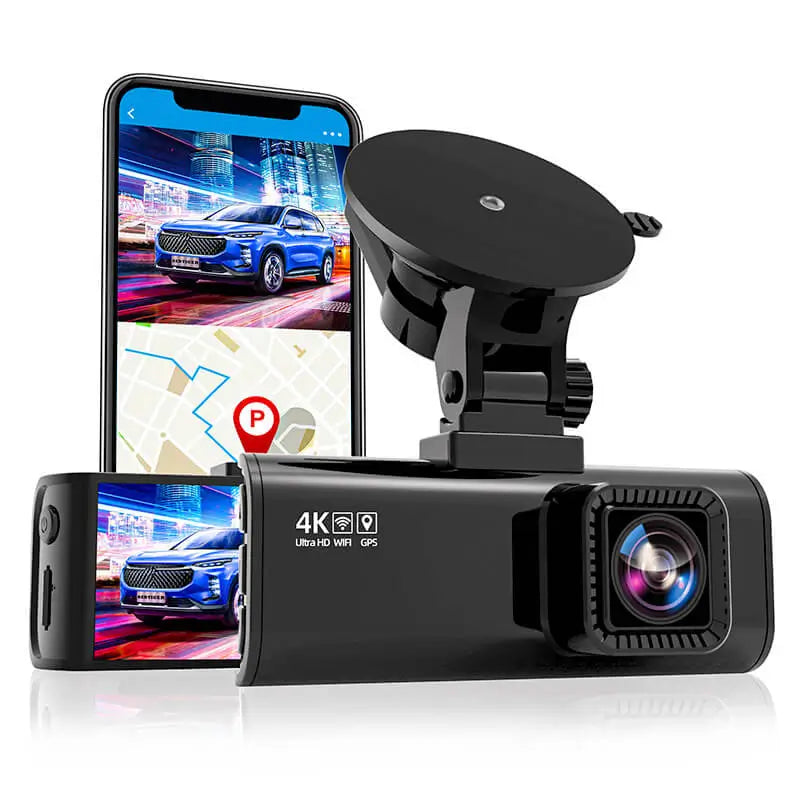
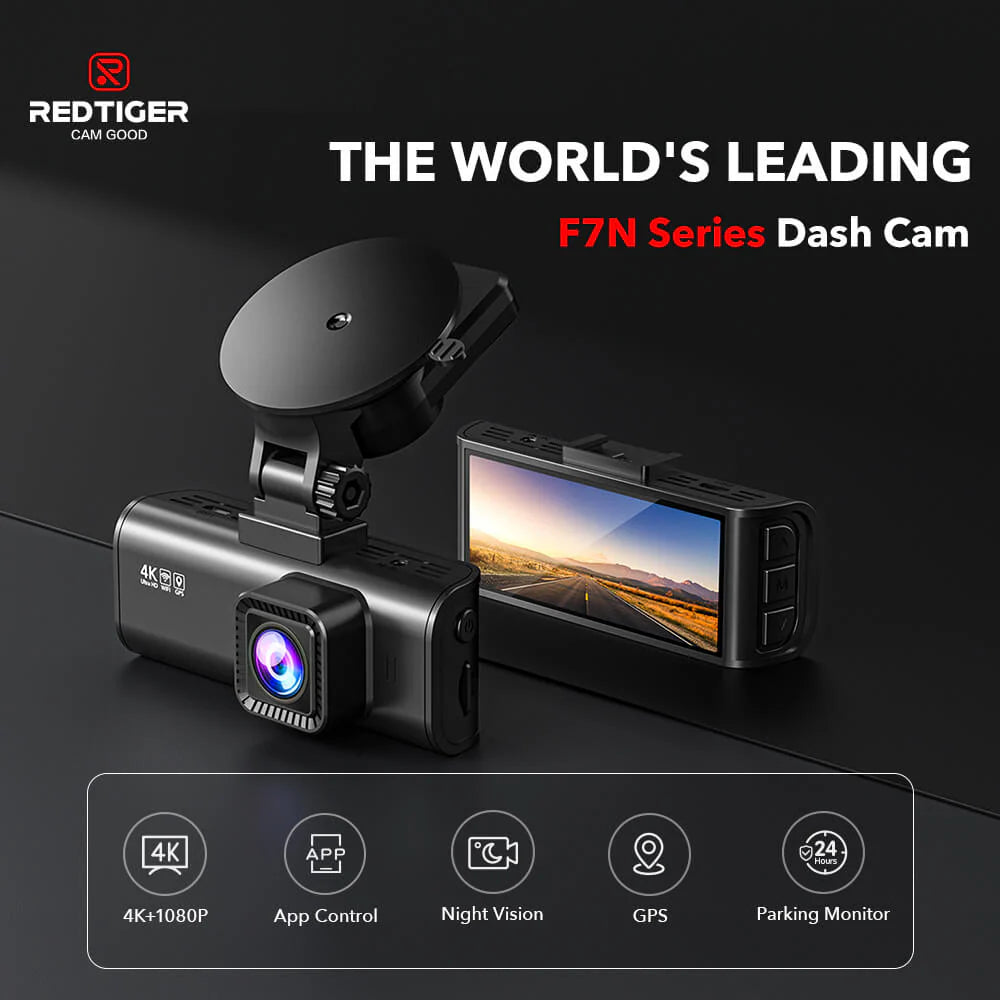
La cámara para salpicadero REDTIGER F7N-S para automóviles graba vídeo de alta calidad con resoluciones de hasta Ultra HD 4K 3840*2160P@30fps, 2560*1440P@60fps o 1920*1080P@120fps con el sensor Sony STAVIS, le ayuda a leer los detalles clave como señales de tráfico, matrículas de vehículos, etc., y ofrece detalles mejor definidos. Además, la cámara de respaldo para automóvil con lente gran angular de 170 ° garantiza reducir el área ciega y capturar más escenas en la carretera. La elección perfecta para sus vehículos, como camiones, semirremolques, camionetas, SUV, etc.
【Súper visión nocturna】
La cámara frontal del automóvil, equipada con una gran apertura F1.5 y lentes de 6 cristales, captura detalles importantes claramente en condiciones de poca luz. Además, con la tecnología profesional WDR y HDR, ajusta automáticamente la exposición de la cámara y garantiza la claridad de las imágenes incluso de noche. Las matrículas de los coches se pueden ver fácilmente.
【WiFi incorporado/aplicación para teléfono inteligente】
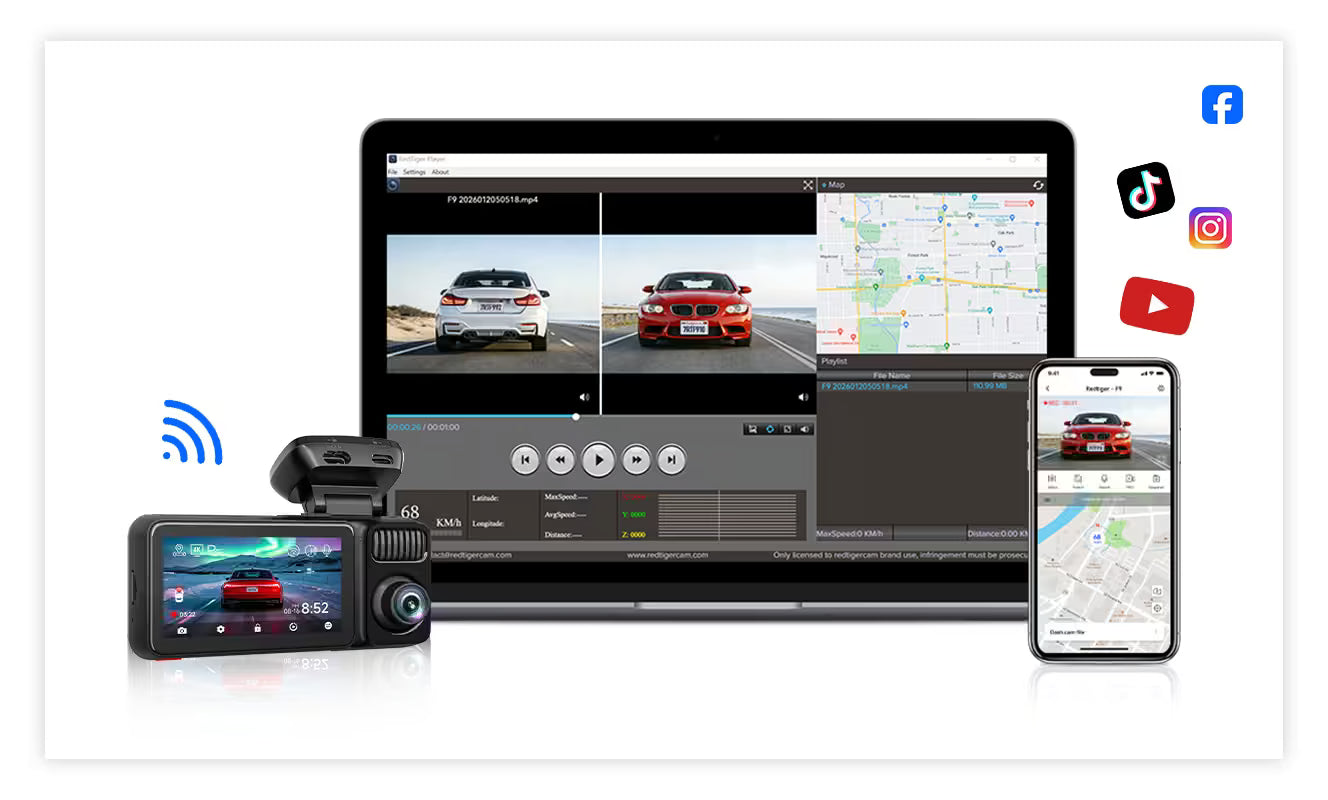
La cámara para salpicadero 4K tiene Wi-Fi integrado con fácil conexión a la aplicación de su teléfono inteligente. Con la aplicación "Ucam", es muy conveniente realizar vista previa en vivo, reproducción y administración de dispositivos en su teléfono inteligente. Además, los archivos de video se pueden descargar al teléfono inteligente y compartir con sus amigos a través de las redes sociales.
【Dashcam con GPS y supercondensador】
El módulo GPS incorporado registra con precisión su ubicación y velocidad de conducción. Vea su ruta de conducción y su rastreador en Google Maps a través de Wi-Fi usando la aplicación o con nuestro visor GPS compatible con Windows y Mac, que proporcionará más pruebas adicionales si ocurre un accidente. El supercondensador puede soportar temperaturas extremas que evitan el riesgo de sobrecalentamiento. y explotando.
【Nueva versión 2022 y súper fácil de usar】
La cámara frontal única para automóvil F7N con versión mejorada, interfaz simple y personalizada, fácil de instalar con ventosa, ¡solo conéctelo y juegue! Sin operación complicada del sistema, sin instalación de cableado complicada. Brindarle una experiencia sin problemas.
【Sensor G/Grabación en bucle/Monitor de estacionamiento las 24 horas】
Cuando el G-SNESOR detecta un choque o colisión repentina, la cámara del automóvil la BLOQUEA Y GUARDA automáticamente. La grabación en bucle sin interrupciones sobrescribe automáticamente el archivo más antiguo cuando la tarjeta está llena. El modo de estacionamiento las 24 horas, los 7 días de la semana permite que la cámara del tablero grabe continuamente durante 24 horas en modo de estacionamiento, además con la función Timelapes que ahorra mucho espacio en la memoria y proporciona a su automóvil un entorno de estacionamiento más seguro. (Se necesita un kit de cableado dedicado Asin: B092Z6GN96)
【SÚPER POSTVENTA】
Nuestro mayor objetivo es satisfacer las necesidades de los consumidores. Esta cámara para tablero está respaldada por una GARANTÍA completa de 1 AÑO y una Garantía de satisfacción del 100%. Envíe un correo electrónico a nuestro servicio de atención al cliente y responderemos cualquiera de sus preguntas/inquietudes. Ofrecemos soporte técnico 7*24 horas.
×
Free Shipping
Fast, Free & Reliable Delivery
At REDTIGER, we aim to ensure a smooth and reliable delivery experience for all our customers.
Most orders are processed within 1–2 business days after payment confirmation. Once processed, your order will be shipped via our trusted logistics partners and typically delivered within 3–7 business days within Europe.
Orders placed on weekends or public holidays will be processed on the next business day.
During peak periods, such as promotional events or holiday seasons, order processing may take up to 2–3 business days.
Your satisfaction is important to us. If you are not completely satisfied with your purchase, you may request a return within 30 days of receiving your order.
To start a return, please contact our customer support team to obtain a return label and instructions before sending the item back.
Once your returned item has been received and inspected at our warehouse, your refund will be processed and issued to the original payment method in accordance with our return policy.
Please note that shipping fees are non-refundable, and only the product price will be refunded.
All recorded footage is protected with built-in security features and stored securely on your device.
Video data is processed locally and is not shared without your consent. Your recordings and personal information are handled in accordance with applicable data protection laws and regulations.
We are committed to protecting your data while ensuring reliable and convenient access when needed.
Fast Customer Support
Helpful Support When You Need It
Have a question? Our customer support team is here to help.
We provide prompt responses and clear assistance with product questions, order updates, and after-sales support.Our support team typically responds within 24 hourson business days.
Our goal is to ensure a smooth and reliable experience before and after your purchase.
The Redtiger F7N-S front camera captures crystal-clear footage at multiple resolutions:
Ultra HD 4K: 3840×2160 at 30fps
QHD: 2560×1440 at 60fps
Full HD: 1920×1080 at 120fps
This high-resolution recording ensures precise documentation of critical details like license plates and road signs, providing enhanced clarity for evidence and review.
4K Ultra HD Front Camera
The Redtiger F7N-S front camera captures crystal-clear footage at multiple resolutions:
Ultra HD 4K: 3840×2160 at 30fps
QHD: 2560×1440 at 60fps
Full HD: 1920×1080 at 120fps
This high-resolution recording ensures precise documentation of critical details like license plates and road signs, providing enhanced clarity for evidence and review.
4K Dash Cam with Wi-Fi & App Control
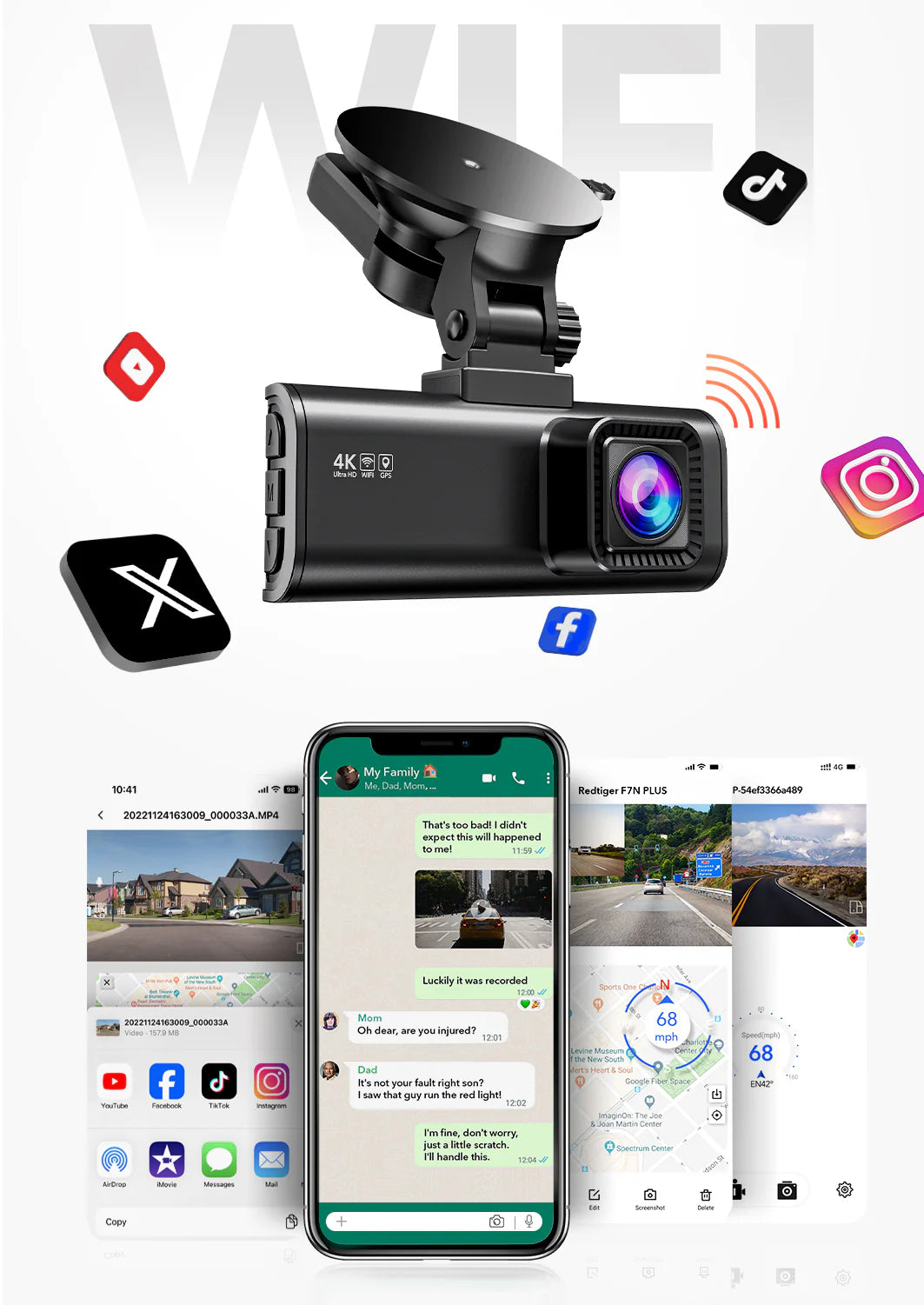
The 4K dash cam features built-in Wi-Fi for quick and stable connection to your smartphone. Using the Redtiger app, you can easily access live view, playback recordings, and manage settings directly from your phone. You can also download video files to your device and share them instantly via social media—ideal for keeping or sending important clips when needed.
4K Dash Cam with Wi-Fi & App Control
The 4K dash cam features built-in Wi-Fi for quick and stable connection to your smartphone. Using the Redtiger app, you can easily access live view, playback recordings, and manage settings directly from your phone. You can also download video files to your device and share them instantly via social media—ideal for keeping or sending important clips when needed.
Dash Cam with GPS & Super Capacitor
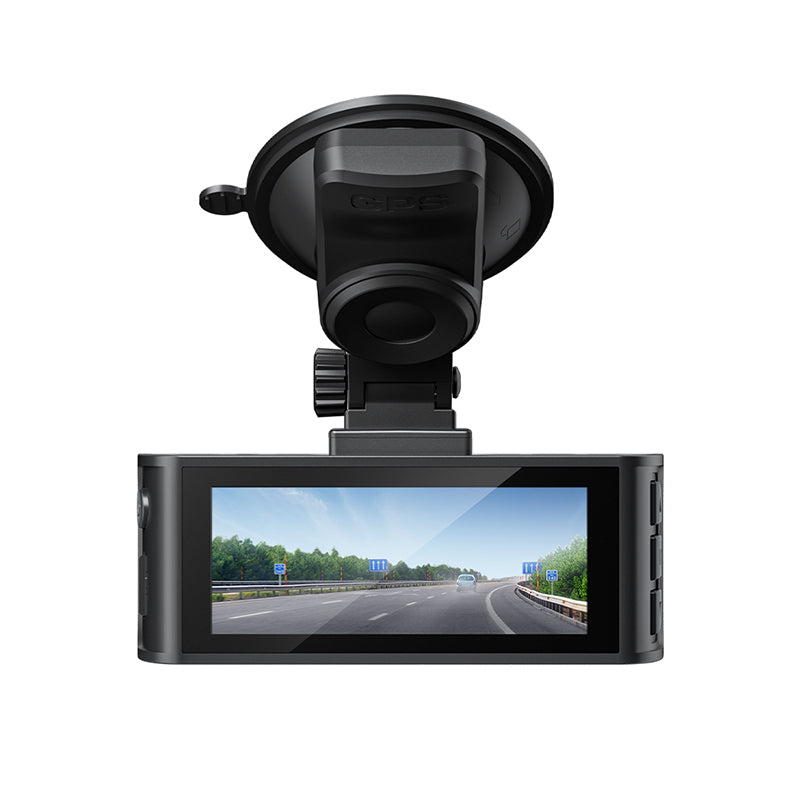
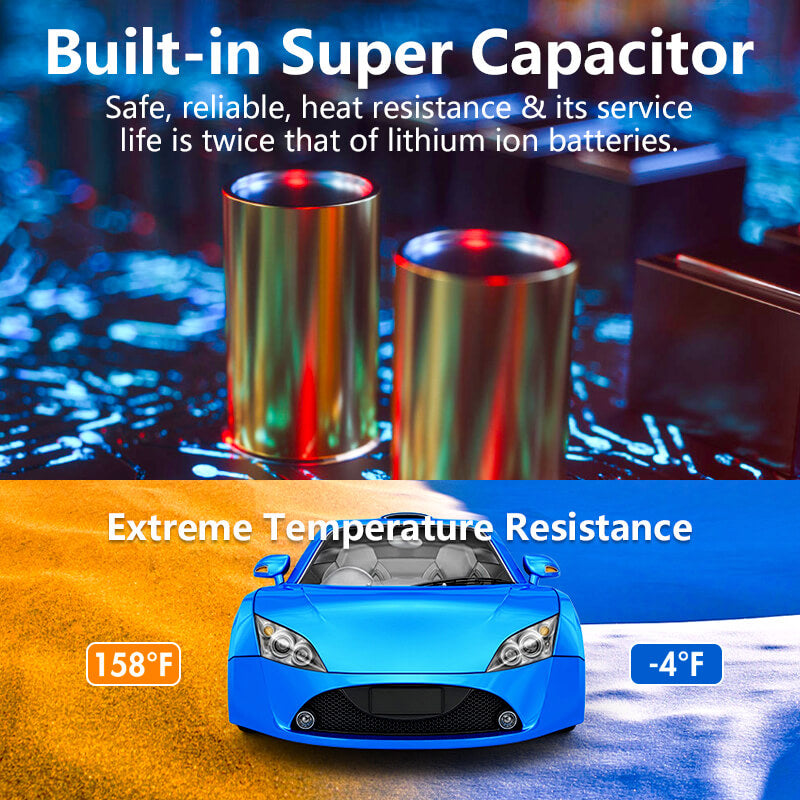
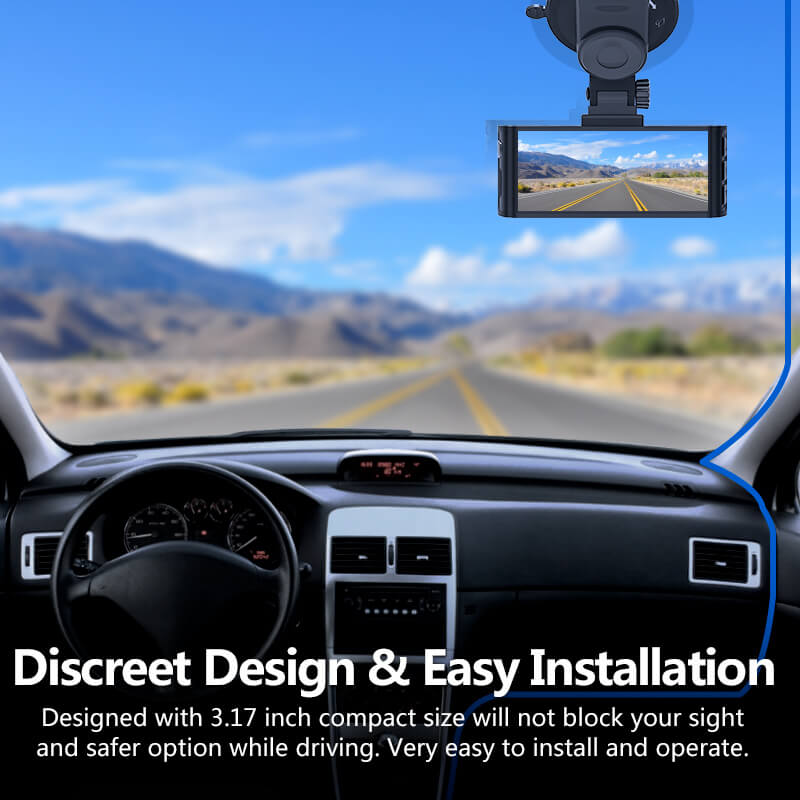
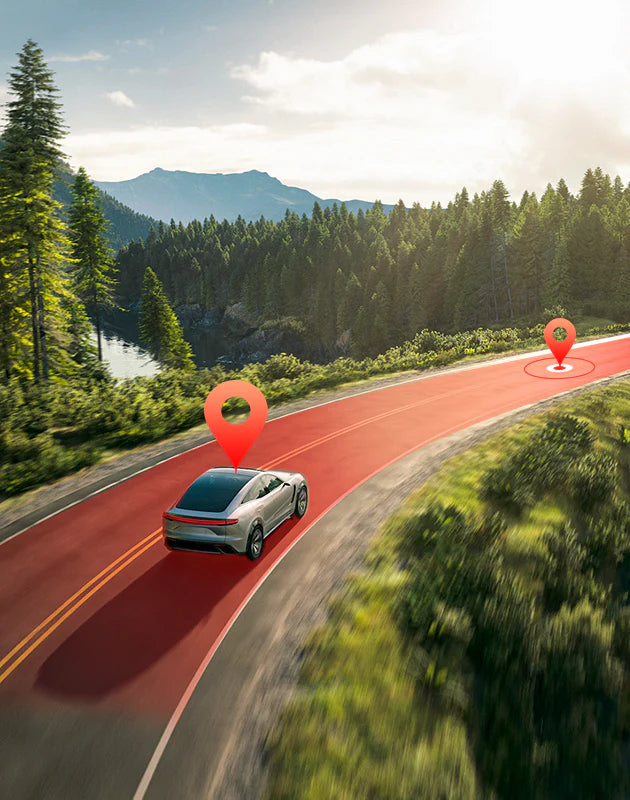
This dash cam is easy to mount on the front windshield using the universal bracket. With built-in GPS, it accurately records your driving route, location, and speed. You can review your journey on Google Maps via Wi-Fi through the RedTiger app, or on a PC or Mac using our GPS playback software—ideal for providing supporting evidence in case of an accident. Equipped with a super capacitor, the dash cam remains stable in extreme temperatures, reducing the risk of overheating or battery failure.
Dash Cam with GPS & Super Capacitor
This dash cam is easy to mount on the front windshield using the universal bracket. With built-in GPS, it accurately records your driving route, location, and speed. You can review your journey on Google Maps via Wi-Fi through the RedTiger app, or on a PC or Mac using our GPS playback software—ideal for providing supporting evidence in case of an accident. Equipped with a super capacitor, the dash cam remains stable in extreme temperatures, reducing the risk of overheating or battery failure.
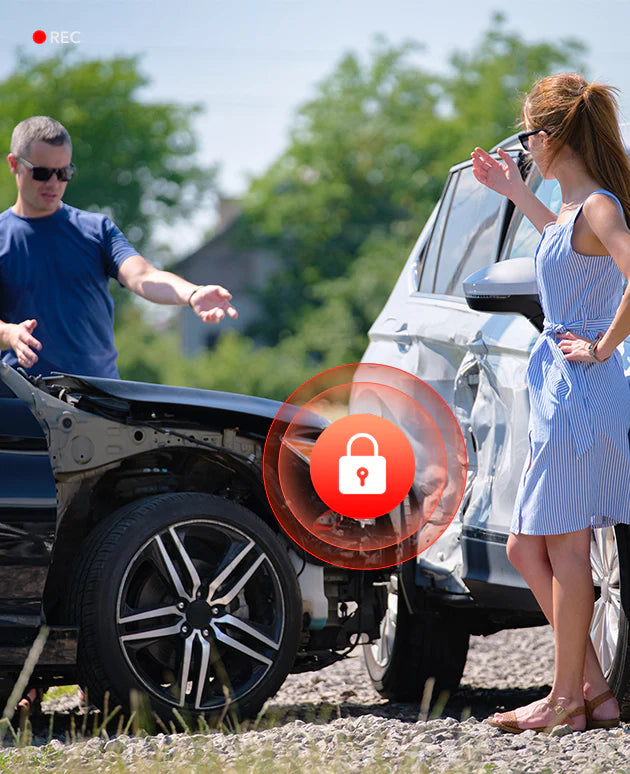
The built-in G-sensor automatically locks and saves footage when a sudden impact or collision is detected, ensuring important clips are not overwritten. Seamless loop recording continuously overwrites the oldest files when the memory card is full, so you never have to worry about running out of space. With 24-hour parking monitoring, the dash cam keeps your vehicle protected even when parked. The time-lapse function reduces memory usage while still capturing key events. (A dedicated hardwire kit is required for parking mode.)
The built-in G-sensor automatically locks and saves footage when a sudden impact or collision is detected, ensuring important clips are not overwritten. Seamless loop recording continuously overwrites the oldest files when the memory card is full, so you never have to worry about running out of space. With 24-hour parking monitoring, the dash cam keeps your vehicle protected even when parked. The time-lapse function reduces memory usage while still capturing key events. (A dedicated hardwire kit is required for parking mode.)
Technical Specifications
Dash Cam Model
F7NS
Channel
1-Channel(Front)
Sensor
F7NS 4K Sensor
Video Resolution
Front 4K (2160P)
Display
3.18 inch
Lens Aperture
F1.8 Aperture
HDR/WDR
Front WDR
Wi-Fi
5 Ghz/2.4 Ghz WiFi
Touch Screen Control
Not supported
Voice Control
Not supported
Parking Mode
Supported
NiteGuard ™ Parking Mode
Not supported
Night vision capability
WDR Night Vision
GPS Logger
Supported
G-sensor
Supported
Loop Recording
Supported
Storage
Up to external 256GB microSD Card
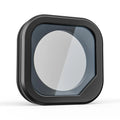
CPL Supported
Optional
Mounting Type(Default)
Suction Cup Mount
Battery & Charging
Super Capacitor
FAQs
How many hours of 4K video will it record on a 256GB SD card?
A 256GB SD card can generally store approximately 22 hours of 4K video. The dash cam features loop recording functionality, which automatically overwrites the oldest footage when the storage is full. To prevent the loss of important recordings, we recommend regularly backing up essential videos via the RedTiger app or computer. For further assistance, our customer support team is available for personalized service.
Can video be downloaded directly from camera to laptop and is cord included?
If you need to play the video on the computer, you need to use a data cable to connect the dash cam to the computer or use a card reader to read the SD card and insert it into the computer. There is no data cable included in the package. For any further questions, please contact our customer support team.
My car is not equipped with WiFi. Will all the functions still work, such as GPS?
The dashcam's functions operate independently of your car's WiFi. Press the M key to access the menu and enable the GPS/speed watermark feature, allowing you to view location and speed data during playback. Alternatively, use our dedicated computer software to review videos with GPS/speed information. For additional assistance, our support team is available to help.
Does this record conversation while videoing? Can you document video?
Yes, the dash cam can record audio (conversations inside the vehicle) or you can mute the microphone. Additionally, the video includes timestamp, speed, and GPS data during recording. If an incident occurs, you can manually lock the footage to prevent overwriting. The included software displays your vehicle’s location on a map during playback, with a moving marker synced to the video. You can then download saved clips directly to your phone.
How to Connect the Redtiger App to Your Dash Cam?
To connect your Android phone to the dash cam via Wi-Fi, follow these steps:
Download the App: Scan the QR code on the dash cam to install the RedTiger app.
Enable Wi-Fi: Long-press the up button for 3 seconds to turn on the dash cam’s Wi-Fi. The SSID and password will display on the screen.
Phone Connection: Open your phone’s Wi-Fi settings, select the F7N network, and enter the password. Disable mobile data to ensure a stable connection.
App Pairing: Open the RedTiger app and tap "Connect to DVR". If you change the Wi-Fi password, forget the network on your phone, restart the dash cam, and reconnect.
For further assistance, contact RedTiger customer support.
first of all, I would like to thank you for a quick answer, I do follow your instructions and it’s a successful, now I can see my videos on my iPhone.
what insisted me to choose your company rather than another is the good comments on the technical support. I will not hesitate to communicate with you
In the future
Thanks REDTIGER
The old redtiger I ordered as a replacement for my broken one. The old one had stopped Working. I did not use my car for a few weeks and I left the car parked in the bright sunlight. I learned from this event not to park my car in bright sunlight for a longer period of time.
I was very satisfied using my Redtiger dashcam.
Greetings
Very nice installation. Connected quickly. Installed both the front and rear cameras. Clean images, oh and thanks for that tucking tool. I did not have to remove any interior trim. So far so good.
camera is of very good quality, settings are very straight forward, play and record are crystal clear. a excellent product, should have brought months ago
I have purchased 2 F7N front-rear dashcam systems within the past year and have been very pleased with function, ease of use and reliability. When I asked for additional or replacement hardware they came through each time without hesitation to take care of my requests. A good product is made better by great customer service and support. These folks earn 5 stars for their after sale support!
Bought this dash cam because I spend a lot of time on the road. Also bought my son the same camera since he is a new driver. This camera is very easy to use, the picture quality is quite clear, and this is undoubtedly one of the best investments I have made. I will make sure to purchase a dash cam for my daughter when she starts driving in about a year.
Purchased 4 months ago originally, suction let go and fell on dash.
Reordered another, in the process of sending old unit back for a full refund.
They stand behind their product.
I like this dashcam system!
It was made to plug into the cigarette lighter but I had it hardwired and it works great!
The video is great and the functions are easy to use.
They only thing I've had a problem with is the rear camera view keeps flipping upside down.
It's easy to change it back. Just a little hassle.
I've only had this camera system a week, but I really like it!
Definitely worth the money. So far.
I can recommend this camera!
~David.
Very impressed with this set up. Front and Rear cameras appear to have almost a 180 degree view. Install was easy and straightforward (However, I must state that I have been an Automtive Technician for 20 years. Half of which I spent as a Team Lead for Mercedes-Benz so I have a lot more tools at my disposal than the average Joe).
I don't like that I have to pair the WiFi each and every time I want to grab a video clip. I wish it would just auto pair/connect on it's own.
Just remember this does not come with an SD Card. I purchased a 256 GB Samsung EVO Select and it works great. No need to purchase a top of the line SD Card for this to work (unlike GoPro's which are super picky).
The picture in picture set up on the front camera is OK. I wish the picture for the rear camera was bigger and at the bottom right hand corner of the screen instead of the left upper but that's just personal preference.
Overall, great product and price point. You CAN buy better but you can also definitely purchase worse.
This is my first dash cam. I got the kit to let it record if somethig happened while parked, too. Has been working fine excpet when I went out to Borrego Springs and the temps were in the 110-115 F range. I always leave my windows cracked and ues a windshield reflector that goes around the camera, so it is isn't focusing that light back onto the camera. It worked fine the three days wer were out there, but gave me an card error on the way home in normal temps. I put the card in my PC, Windows said it wanted to fix an issue on the card, which it did. The card has been working fien ever since. Just watch the temps.
I made a mistake when I purchased the camera because I thought it had a suction mount. The one I ordered did not come with a suction, just a semi-permanent tape mount. I was going to send it back but decided to contact customer support to see if I could buy one as an add on. Rose contacted me less than 24 hours after I emailed customer support. She said she would send a suction mount to me at no cost.
This type of customer service is going above and beyond. I love the item, if just for what Rose did for me.
The camera works beautifully for such a small unit and there are many YouTube videos on how to set up, install, etc. Just a quick note: I was going to use an OBD connection to bypass the hardwire connection (it seemed like an easier install. After reading some comments on the Q & A, I found out the parking mode would not activate unless I used their Hardwire kit. If you want to use the parking mode, use the hardwire kit sold by Redtiger specifically for the F7N.
I have three cars, and now I have three of these dashcams. I used the REDTIGER hardwire kit that is a little more expensive, but provides all the fuse sizes and proper fuse protection for whatever it is supposed to protect where you plug it in (unlike the cheaper hardwire kit). Be sure to have the camera off (push and hold the ON/OFF button before you disconnect it from the cigaret lighter adapter, and then plug it into the hardwire kit, and then push the ON/OFF button to turn it back on. At first I just pulled the plug from the cigaret adapter and then plugged it in and I had nothing but problems with getting parking mode to work. Once I powered the unit down with the button, and then re-powered it up, I've not had a single problem with park mode.
The picture quality is stupendous. Accessing your videos over wifi is a bit tricky, but doable, and can be handy in a pinch. The GPS is wonderful, not just for imbedding location and speed in the video, but it also alway keeps the correct time set to the second.
I bought my first one two months ago to make sure I would like it. I just bought and installed another two this week. I recommend these cameras, they are a decent camera for the price.
Purchased this device a few weeks ago and have no complaints.
I ran into an issue with the rear camera, static sticker letting go and contacted reseller to see if I could get a replacement or at least where I might be able to purchase new ones. The person I spoke with was fantastic and send me two new static stickers along with the 3G mounting sticker, they were also very quick getting to me.
I have been using this device since and have no complaints. It is working like a champ, have not had any issues with it and it just works. Turn on my car, boom, it powers on and starts working.
The only issue I have, and it is not really so much with the product is that if you want to use their app on your phone and you have either apple play or android auto (wireless connections) you will have to disable the wireless auto-connect on your phone for your car when you try to connect to the wireless of the camera. Since the camera does have a video playback it is not that big of a deal, but figured I would bring this up for anyone who may have a newer car that does use wireless to connect their phone to their car. IF you do not use wireless than you are all set!
Overall, I would highly recommend this product. Pretty solid and their customer service was fantastic!
?Hands down the best dashcam, price is amazing for what you get, been using it for almost a year now in all types of Florida weather and it's worked like a charm, never had a single issue with it.
It's easy to set up, has great recording, from front and back ( only allows one video per review) and has an easy process for video retrieval.
If you're on the fence, hop off, you won't regret it.
EZ install. The 7Ns does not come with a rear unit - purchase separately. Good clean picture. Using a 128Gb micro SD, plenty of storage capacity for our need. Happy with results after 2 weeks.
I read thru a lot of reviews before selecting this camera and it paid off.?? Had all the features i wanted,?? great high quality camera and easy installation.
After having it for a few months i had a problem with the micro USB power cable.?? I reached out to the customer support folks in Colorado,?and Nora took great care of me. Eventually they refunded me the cost of the Hardware cable kit and the front facing camera.??? When they shipped me the new camera they also supplied a shipping label to return the original camera.
Everything is working great now and I'm very happy.
Also, they have a free GPS player program for my laptop,? it to works great in reviewing recordings.
All in all, great camera,? great customer support and a very happy customer.
RedTiger F7N was easy install, I'd suggest watching several UTube videos before, especially when using the Anti-static film b/4 final 3m attachment! Nice compact size, instruction book included well layed out an process of setting it up! Works well with interface iPhone App for using videos! Nice tool included also for wireing units electrical power conection! However it would have been nice if their lighter adapter had a female usb it the top so you could include another devise in the Piggy-Back for power! I had to purchase a plug them at excepted 2 USB plug ins!! Pictures are truly good, especially with the 170* degree front camera view. Rear camera very nice as well but wireing it is a chore especially around the front window area near windshield. Easy on camera case functions and presets! Camera can be removed and used in your lap top USB port for connections and possible data transfers if using videos in social media! Weak area is the thumb screw adjustment part kept falling off onto the dash of car and finally fell into dash vents lost for ever! They are sending me a replacement but small item screw wheel is important part and perhaps they will find a way to make it stay on! I'm planning to use super glue on the replasement to keep from falling off agsin! I'd suggest Red Tiger make it in one peace adjustment wheel by permanently attaching the plastic thumb wheel to the Metal nut would solve future problems! Over all it's a great price and product with great camera lense ! It gets top ratings on from others and reason I purched this brand!
This is my first dashcam after seeing my brother recently bought one. I was initially sceptical its usefulness. But being a careful driver, I think this will help to document in an auto accident. The installation was easier than expected both the front and back. The rear camera was installed inside upper window instead. Eventually, I would like to hardwire this camera to take advantage of parking features. The app can use some improvement since you have to connect to the device wifi for it to work. No regret. Have not used customer service to comment.